
INDIA · 18+
Diwa Wow withdrawal: one request, one reference, then wait
A Diwa Wow withdrawal App’s notes is a single submitted request plus the reference you saved before you left the screen. A second tap because the first one felt slow is how pending items become duplicates.
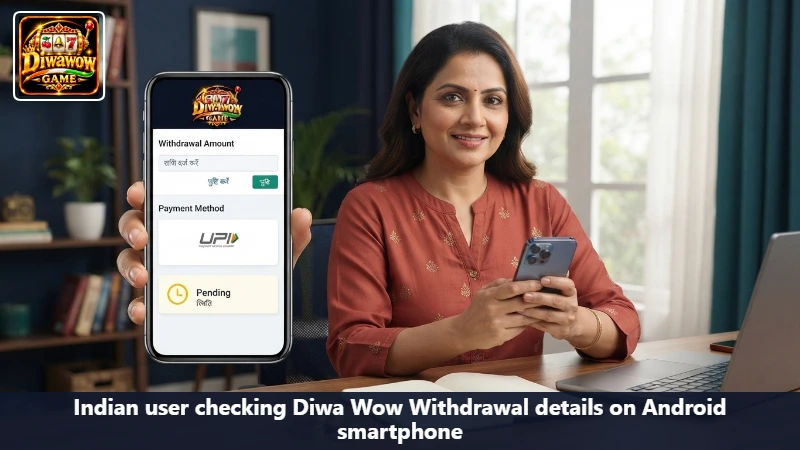
Before you submit
- You are inside the account that actually holds the credit, via Diwa Wow Login.
- No earlier request is still pending. If one is, you are done for now.
- The UPI ID or bank account is yours, and the name matches the account.
- Any ₹500 card that locks cash-out is either finished or you have accepted that this request may fail.
Submit once
- Open the cashier inside the official app. Do not follow a payment link from a message.
- Choose the destination already saved on the account. Do not paste a UPI ID from a chat.
- Enter the amount you intended, then read it again.
- Submit.
- Copy the reference, UTR, time, and amount into a note before the screen changes.
- Leave the cashier. Do not refresh it into a second request.
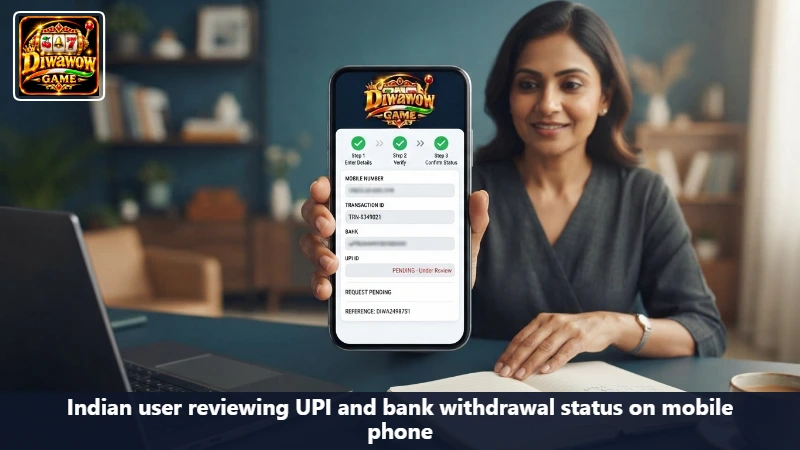
What the status words mean
| Status | Meaning | Your move |
|---|---|---|
| Pending | Received, not finished | Wait. Keep the reference |
| Processing | Still moving | Do not send another |
| Completed | Diwa Wow marked it sent | Check the bank or UPI history with the UTR |
| Failed or rejected | It did not leave | Read the reason. Fix the detail. Then, only then, submit once more |
Completed inside Diwa Wow and invisible at the bank are different facts. The UTR is how you ask the bank, or support, which fact you are looking at. SBI YONO, HDFC, ICICI, Axis, and Punjab National Bank apps can show the incoming line. Google Pay, PhonePe, Paytm, and BHIM can show a UPI credit. Look there before you assume the request vanished.
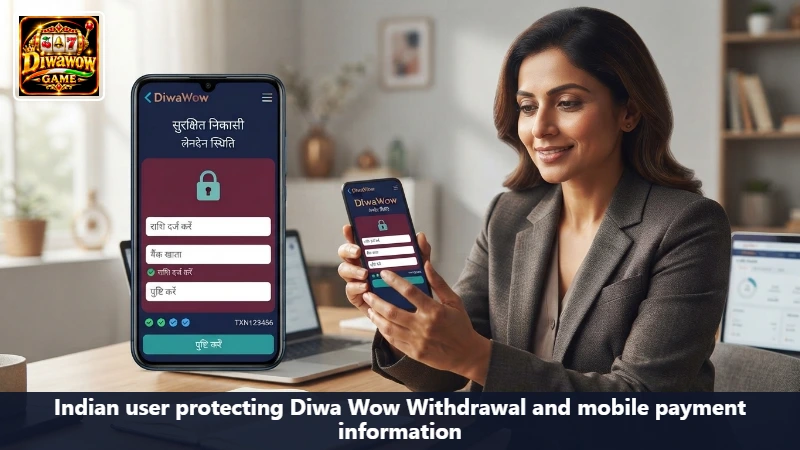
Wrong details
A UPI ID with one wrong character will not correct itself. Do not submit a twin request to the right ID while the wrong one is still pending. Wait until the first is failed, then send one corrected request.
The network blinked
If Wi-Fi died as you tapped submit, you do not know whether the request exists. Open the history on a stable connection before you try again. Samsung, Redmi, and Vivo can all restore a half-loaded cashier that looks empty. History is the source. The empty form is not.
Support gets a short list
Time, amount, reference or UTR, and the status word. Not your OTP. Not your UPI PIN. Not your banking password. Anyone who says the withdrawal will be released after you pay a fee to a personal account is not the cashier.
Name mismatch is a stop, not a puzzle
If the bank name on the account and the name on the UPI ID are different people, do not ‘try it and see’. Withdrawals fail there for a reason, and a string of failures looks like something else is wrong. Fix the destination on the account while you are calm, then submit the one request.
Weekends and bank maintenance can make a completed mark sit quietly. That is still not a reason to file a twin. The reference you wrote down is what you will read to support on Monday. A second amount sent on Sunday becomes a second conversation.
Frequently asked questions about cashing out
One, until that one has a finished status. Pending is not finished.
Search the bank or UPI app for the UTR and the amount. Give it the window the app itself stated. Then contact support with the reference, not with a new withdrawal.
Yes. A welcome card can lock cash-out until its conditions are met or the credit is cancelled. Read that card before you are angry at the cashier.
Then go do something else
Refreshing the status every minute does not move a bank. Once the reference is saved, the phone can be locked. Playing more to ‘hurry’ a withdrawal is not a step in the process.
18+ only. Diwa App does not send or receive your Diwa Wow withdrawal. It only describes how to make one request and keep the proof.