
INDIA · 18+
Diwa Wow Register: one number, one password, then stop
Diwa Wow Register is worth doing once, on a number you will still control next month. Diwa App cannot see the form. These notes are the checks that keep the first account from becoming three half-finished ones.
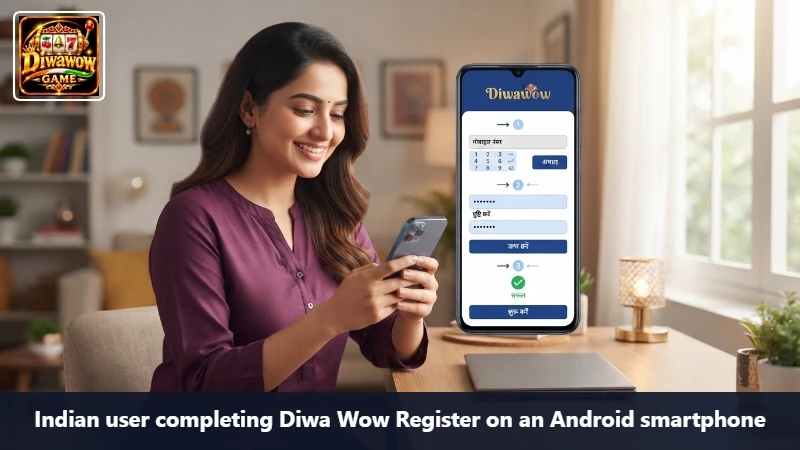
Have these before you tap the form
- The SIM in your hand, with signal, not a number you borrowed.
- A password that is not your UPI PIN and not your bank app password.
- Ten quiet minutes. OTP plus a reloading page is how people submit twice.
- A referral code only if someone you know gave it to you for this promotion. Otherwise leave the field empty.
The pass through the form
- From the app or from allpkrgame.net, choose Register. Do not follow a button inside an SMS you did not request.
- Enter the mobile number slowly and read it back.
- Set the password and the confirm box to the same string. If they differ, fix them before you ask for a code.
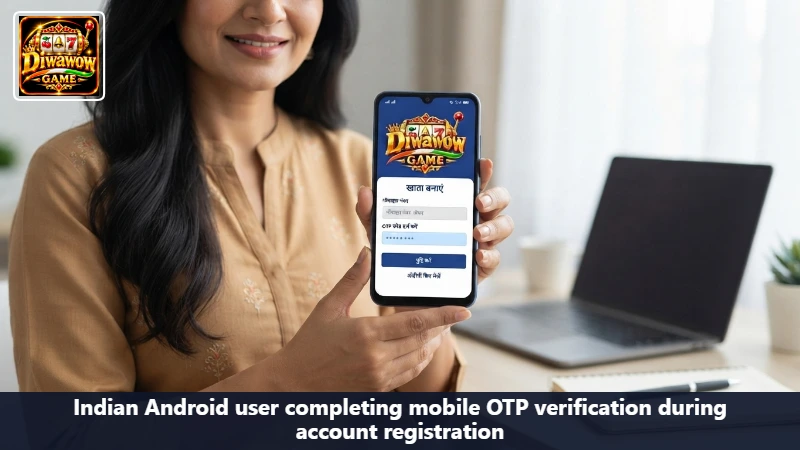
- Request the OTP once. Enter the latest code.
- Read the terms line. If you will not accept it, leave.
- Submit once. Wait. A spinner is not a failure.
The number is already registered
That is good news wearing a stern face. You already have a Diwa Wow Login. Use it. A second account on a relative’s SIM will not merge with the first, and it can void a welcome card you have not even read.
OTP friction
If the SMS is late, check the correct SIM on a dual-SIM phone before you resend. If Android reloads the form when you switch to the message app, copy the code and return; do not start a new registration. If the code expires, use the newest one only.
Never paste an OTP into WhatsApp, Telegram, or a ‘support’ account that wrote to you first.
After the account exists
- Sign out and use Diwa Wow Login once, so you know the password is the one you think it is.
- Open the rewards area and read the ₹500 card without claiming it yet.
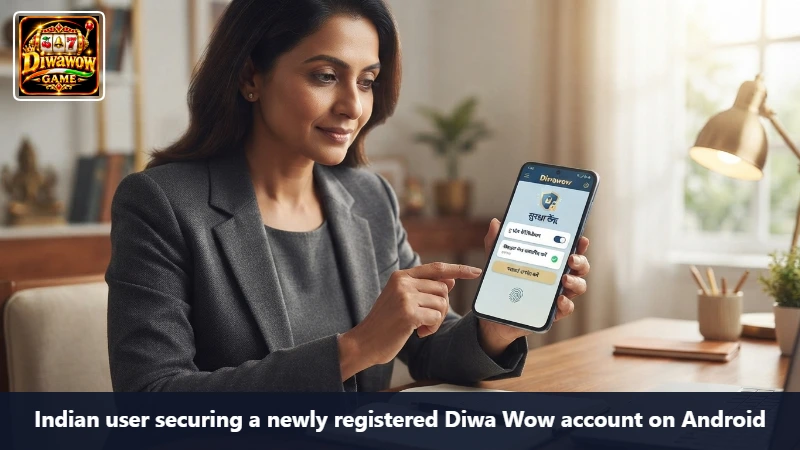
- Add a screen lock if the phone does not have one.
- Only then decide whether to look at the lobby.
The password is not a PIN you already use
Bank PINs, UPI PINs, and the pattern that unlocks the phone are the wrong raw material. Use a phrase you can remember and nobody else uses for money. Write it down somewhere that is not a photo in the gallery named ‘passwords’. After Diwa Wow Register succeeds, the confirm box has done its job. You should still prove the login once while the steps are fresh.
If the page keeps reloading on a Vivo or Realme, it is often the browser being put to sleep when you open Messages. Keep both on screen if the phone can split the view, or memorize four digits at a time. Starting the form over creates a second OTP and confuses the first.
Frequently asked questions about the first account
You can, if you log out and you control the SIM. If you do not control the SIM, you do not control the account.
Check the number, the matching passwords, and the network. Submit once more on stable Wi-Fi. Do not open three browsers and race them.
No. An empty field is a complete registration. A wrong code is worse than none.
One account is the whole point
When the profile opens, you are finished with Diwa Wow Register. Further work is login, the welcome card, and whether any payment happens. None of that requires another signup.
18+ only. Creating a Diwa Wow account App’s instructions does not obligate you to deposit.