

INDIA · 18+
Diwa Wow Login: return to the account you already made
Diwa Wow Login App is for the account that already exists. If the form is asking you to register, you are in the wrong door. A new profile will not recover the old balance, the old bonus card, or the old UPI name.

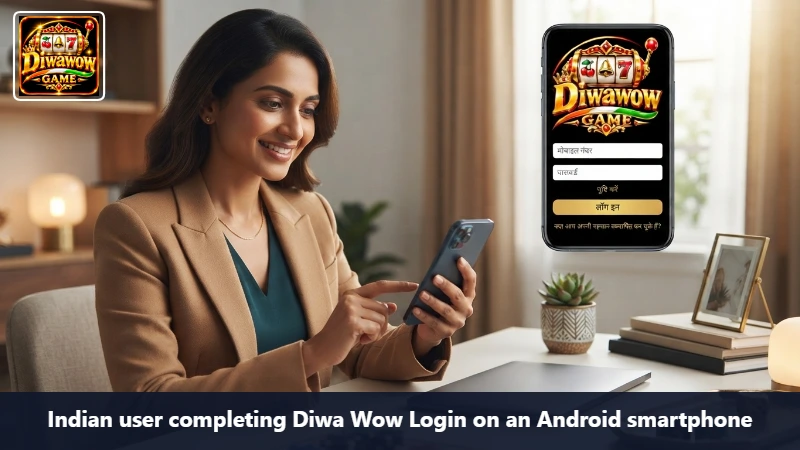
What a normal return looks like
- Open the official app, or the page you reached from allpkrgame.net.
- Enter the mobile number that received the original OTP.
- Type the current password yourself if autofill looks unsure.
- If a code arrives, read it on your lock screen and enter it. Do not forward it.
- Land in the account home. If you bounce back to the form, stop and read the error before you retry ten times.
Autofill is the usual villain
Chrome on Samsung, Redmi, and Vivo will happily offer a password from a different site or from an older Diwa Wow test. Clear that suggestion and type. If two accounts appear in the list, pick the number you can still receive SMS on. The other number is a dead door.
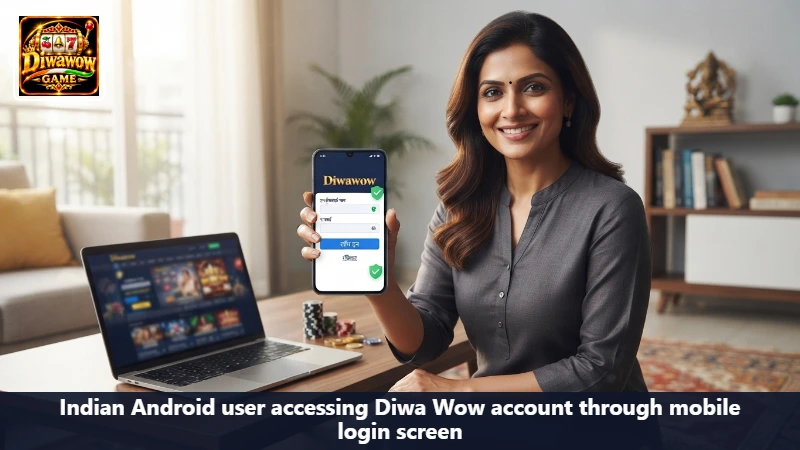
A new handset is not a new account
Moving from an old Redmi to a new OPPO does not require Diwa Wow Register. Install from allpkrgame.net, then use Diwa Wow Login. A verification code on the registered SIM is normal. A request to create a fresh profile is not.
When the code never comes
- Confirm the SIM that owns the number is in the phone and has signal.
- On a dual-SIM device, check that the data SIM and the SMS SIM are the ones you think they are.
- Wait before you tap resend. A stack of codes makes the latest one the only one that works, and people type the first.
- Do not ask a friend to read the SMS. That friend now has the key.
Password forgotten
Use the recovery path on the login form. It should talk to the number already on the account. After you set a new password, sign out and sign in once on purpose so you know the new secret works before you are in a hurry.
If the button does nothing, the page reloads, or the account opens and immediately dumps you out, change nothing else first. Move to a stable Wi-Fi, close the extra browser tab, and try one clean attempt. Jio and Airtel handoffs are a common reason a session dies mid-OTP.
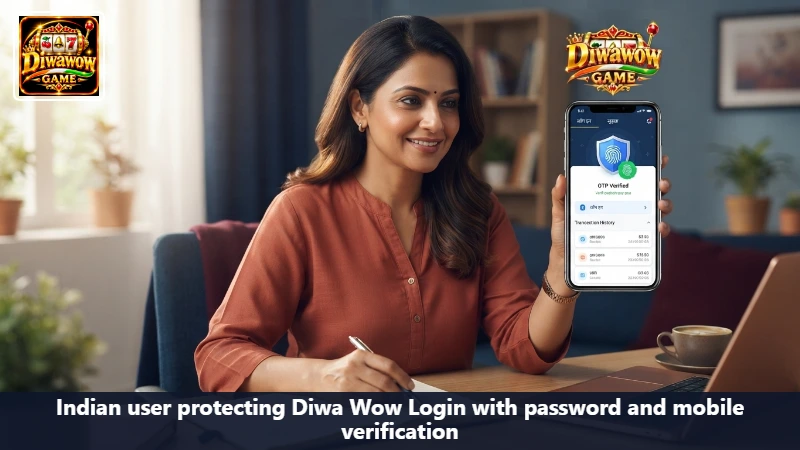
After you are in
Glance at the profile name, then at any pending withdrawal, then at the ₹500 card only if you have not already decided about it. A reward you do not understand can wait. The lobby does not have to open tonight.
On a shared tablet or an office PC, log out. Do not let the browser save the password there.
Two devices, one account
You can move between your own phone and a browser on the same number. You should not stay active on a handset you have sold or given away. Sign that session out first, from inside the account, before the phone leaves. If you no longer have the old phone, change the password from the new one after Diwa Wow Login succeeds. The old session should die with the password change.
A login that works on Wi-Fi and fails on Jio is usually the radio, not a banned account. Finish the OTP on the network that actually delivered the SMS. Switching halfway is what makes the form reload and throw the code away.
Frequently asked questions about returning
The one that received the registration SMS. The other number will look like a brand-new person.
That is not support. Close the chat. A real desk can work from a time and a reference, not from your code.
On your own phone, with a screen lock, yes. On anything you share, no.
Stop retrying into a lockout
A handful of wrong passwords is a clue to use recovery, not a reason to keep guessing. Lockouts are slower than a reset.
18+ only. Diwa Wow Login App does not grant a balance. It only describes how to reach an account you already own.